Create ASI:Cloud account
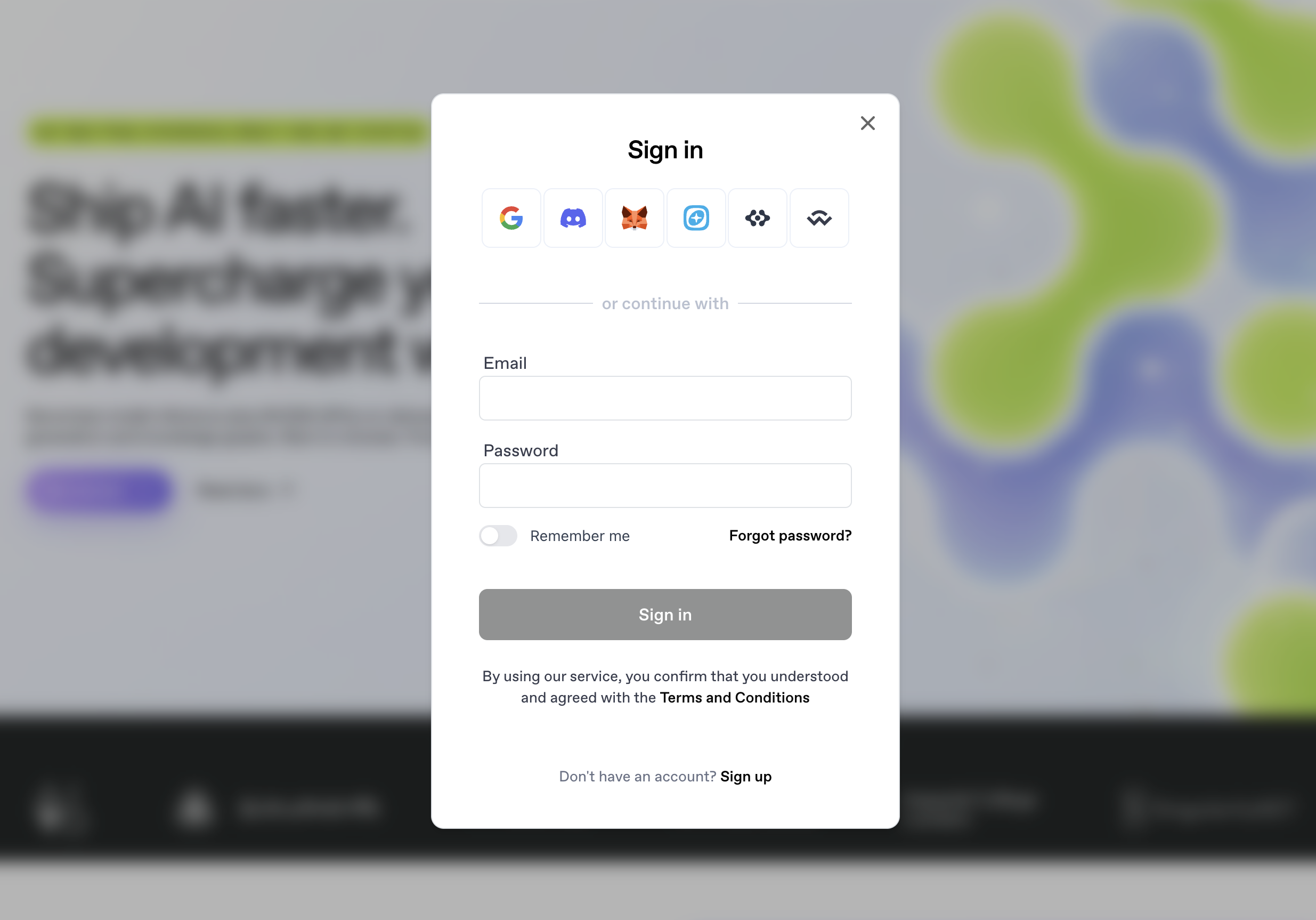
ASI:Cloud currently supports both email and crypto wallet login. The currently supported login methods are:
- Email login.
- Google login.
- Discord login.
- MetaMask.
- Keplr.
- ASI wallet.
- WalletConnect login.
To sign up with a new account or log into your account, click the Log in button at the top right corner of the page.
Regardless of the method used, you can later add more login methods into your account, or remove ones that are connected to it.
Once you’ve done that, you’ll need to fund your account with Credit Card via Stripe or any of the cryptocurrencies that we accept.
If you wish to top up your account with FET tokens, please visit the ASI website. Please note that we only accept the native version of the FET token for payments, at the moment. If you are holding the ERC-20 version and would like to use it to purchase cloud infrastructure, you can move it to the Fetch.ai Network using the Fetch.ai Token Bridge.
Generate your LLM API key
After you log in, you can easily generate your inferencing API key from the dashboard.
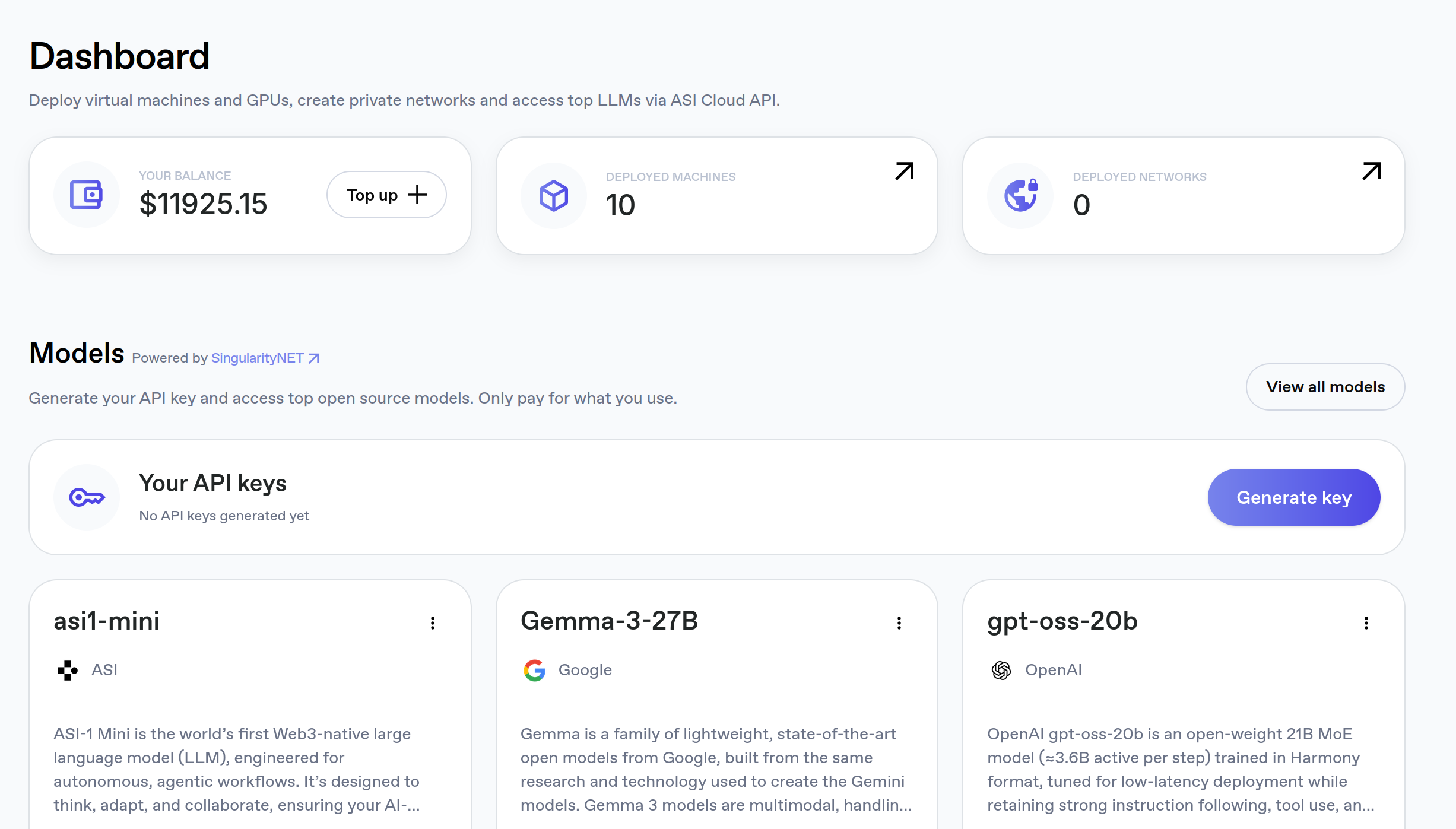
The same API key is used for all models available in the platform.